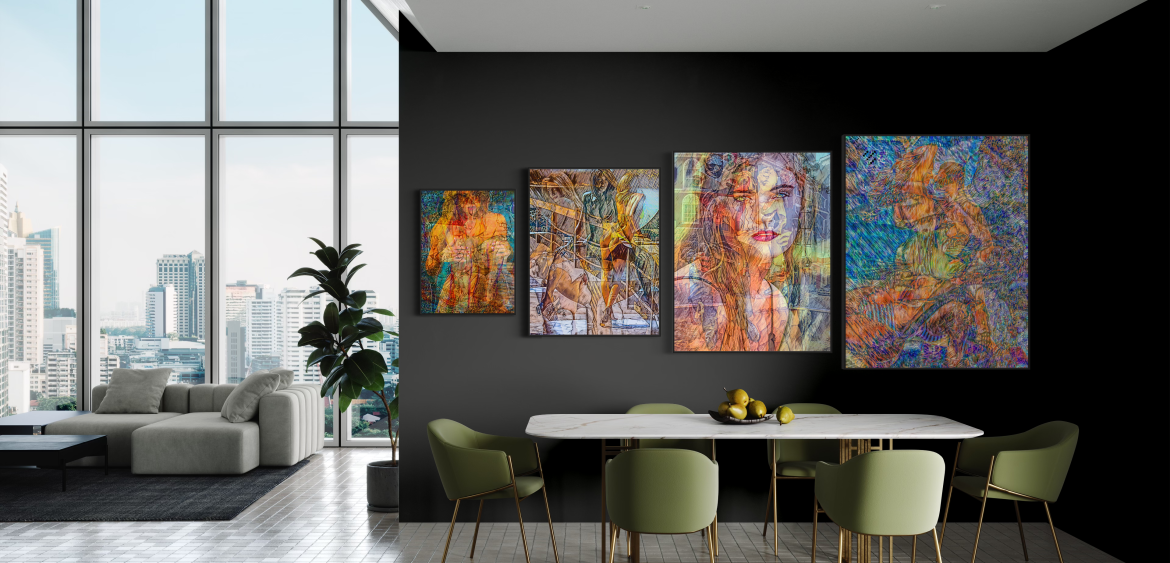
Image manipulation is a powerful tool for artists seeking to push the boundaries of visual expression. By transforming and combining images, you can create surreal, abstract compositions that tell stories, evoke emotions, and challenge perceptions. Inspired by the innovative approach of John Dowling Jr., let’s explore a range of image manipulation techniques to elevate your abstract art.
1. The Art of Superimposition:
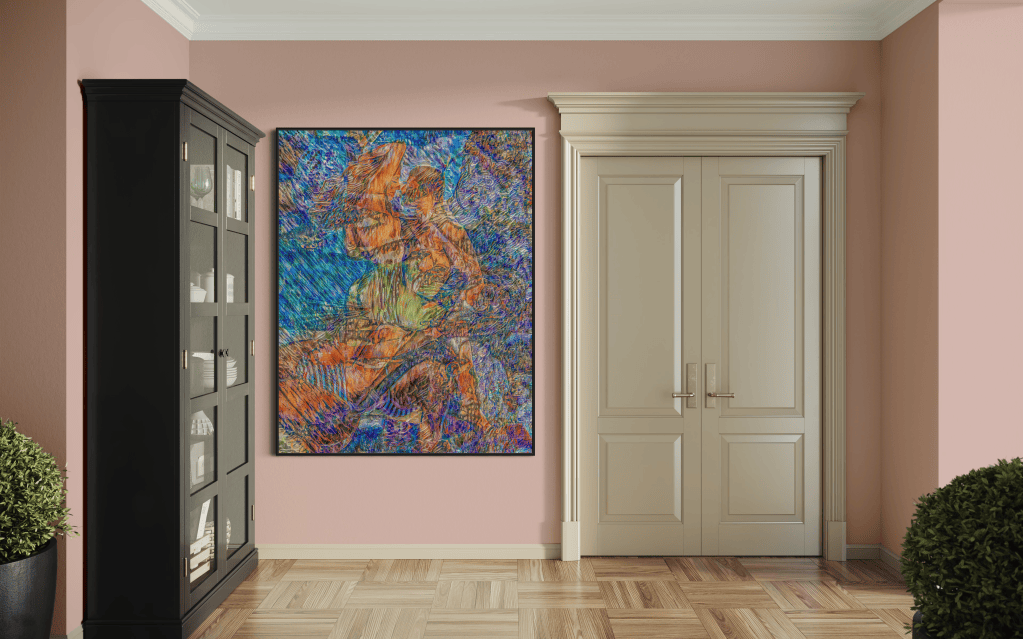
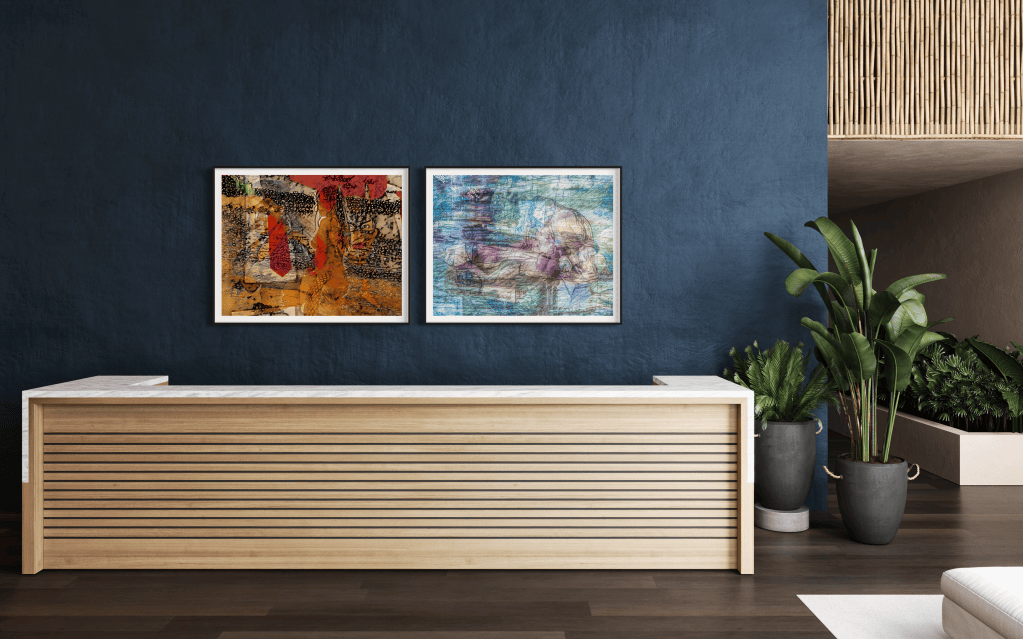
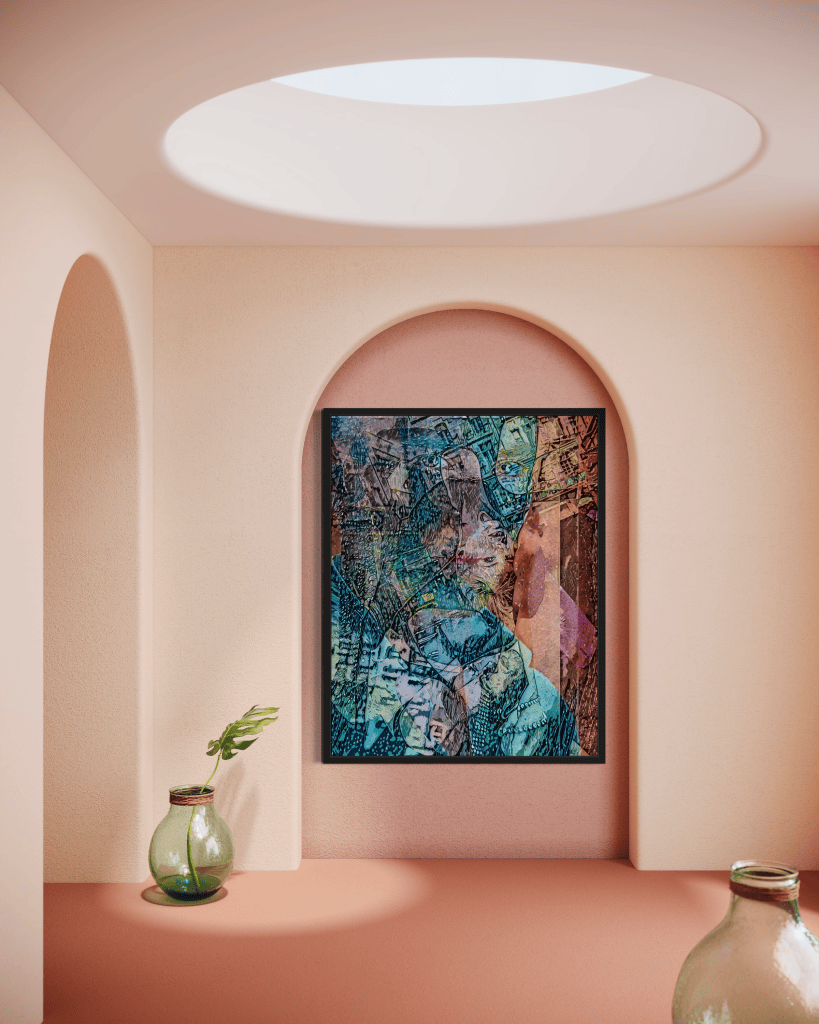
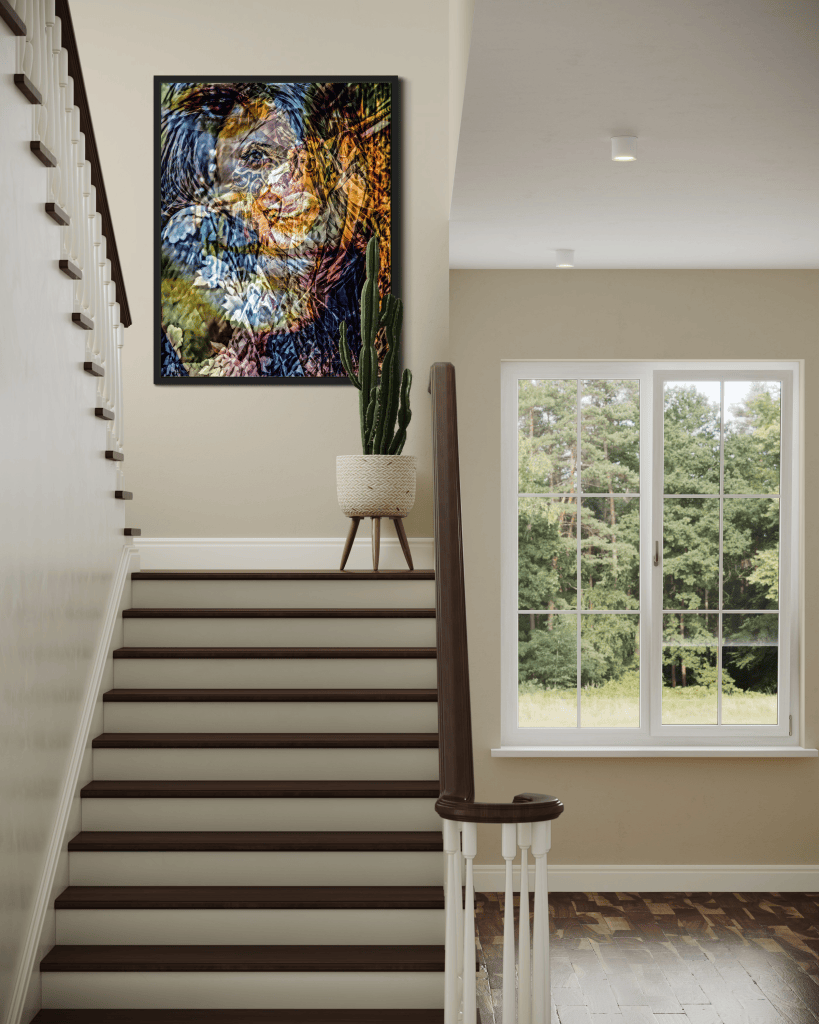
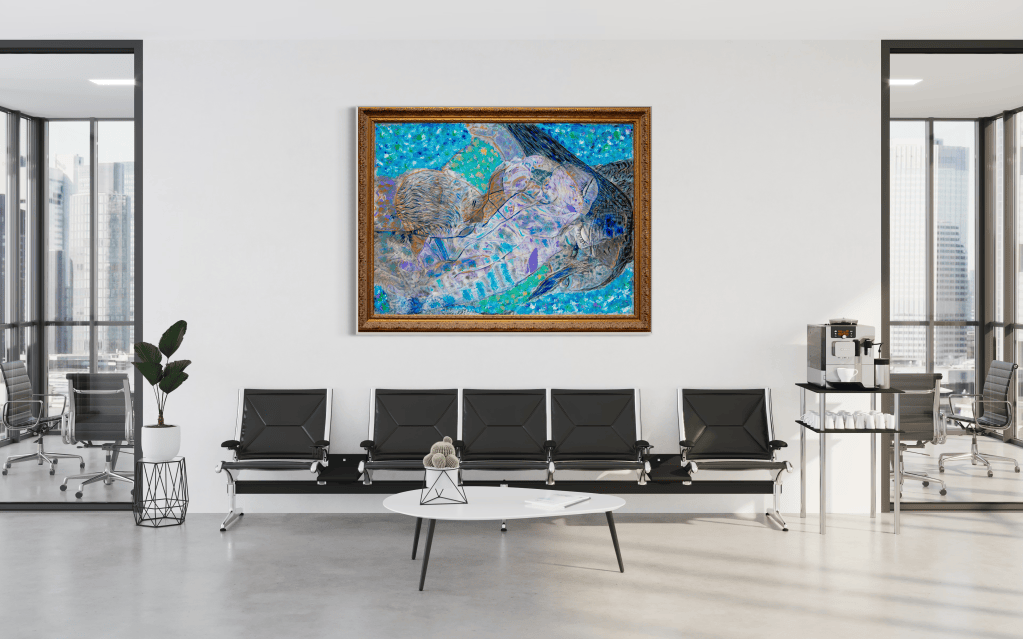
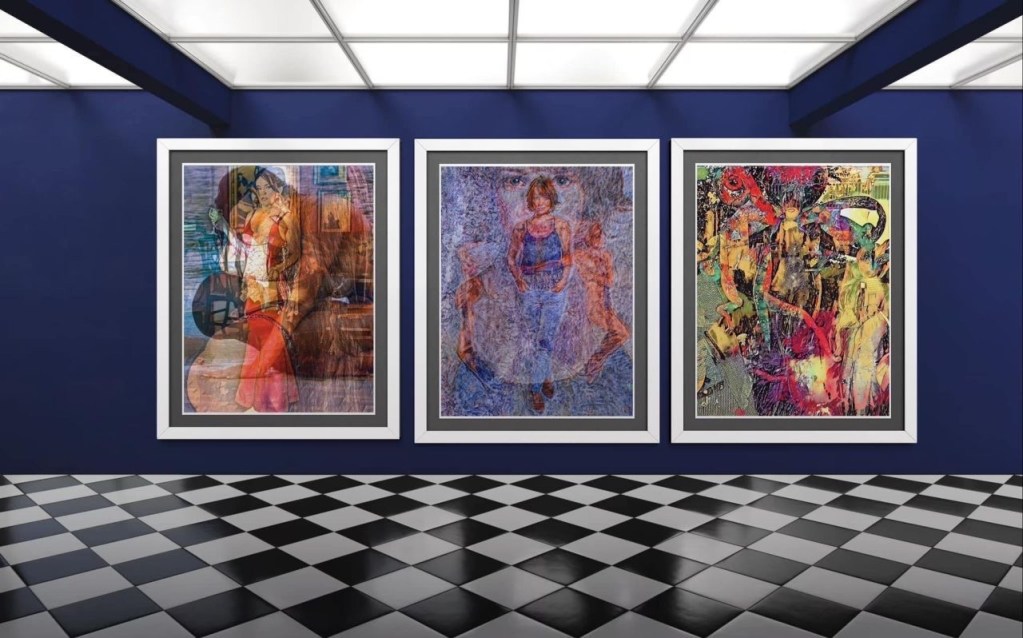
Superimposing images involves layering multiple photographs or digital elements to create a single, composite image. This technique can be used to create dreamlike scenes, juxtapose contrasting elements, or add depth and complexity to your artwork.
- Blending Modes: Experiment with different blending modes in Photoshop, such as “Overlay,” “Multiply,” or “Screen.” These modes help achieve various effects. They also create seamless transitions between layers.
- Opacity Adjustments: Control the transparency of each layer to reveal or conceal elements, creating depth and visual interest.
- Masking: Use masks to selectively reveal or hide portions of an image, allowing for precise control over the composition.
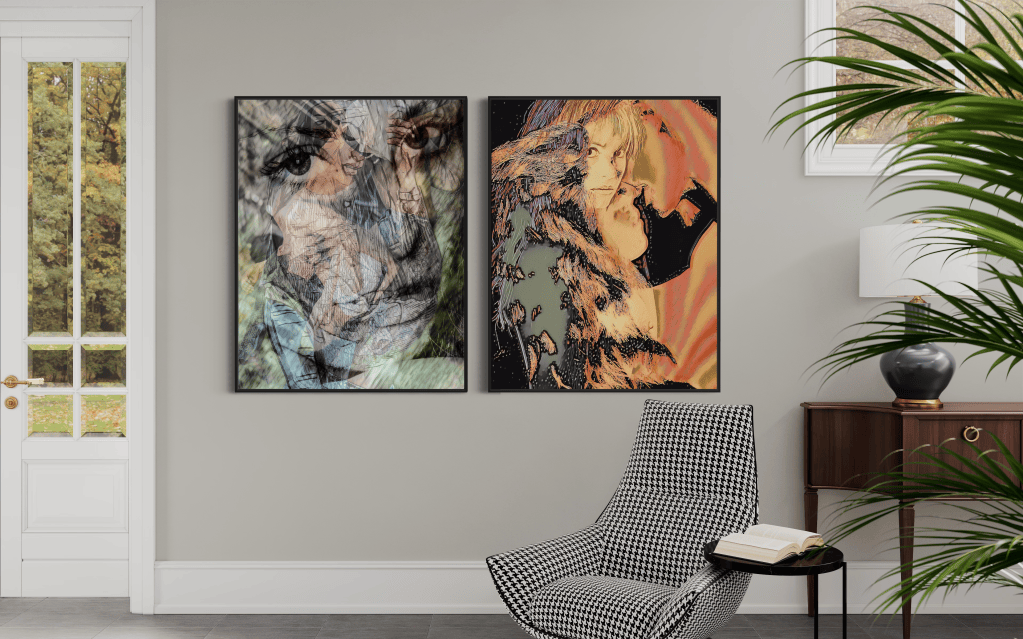

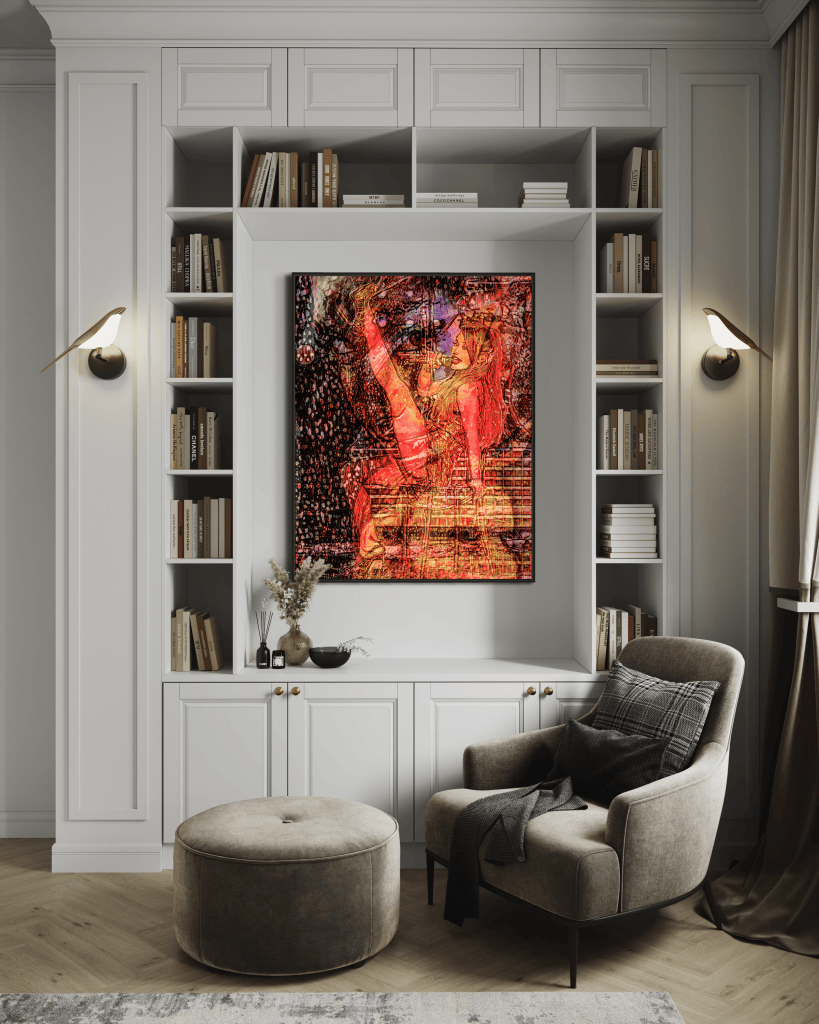
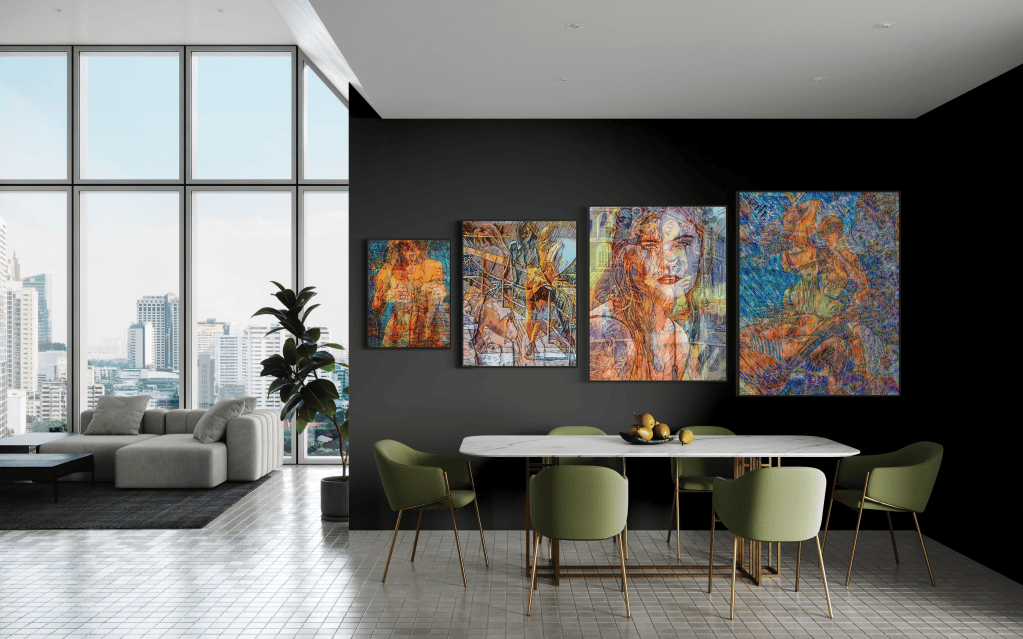



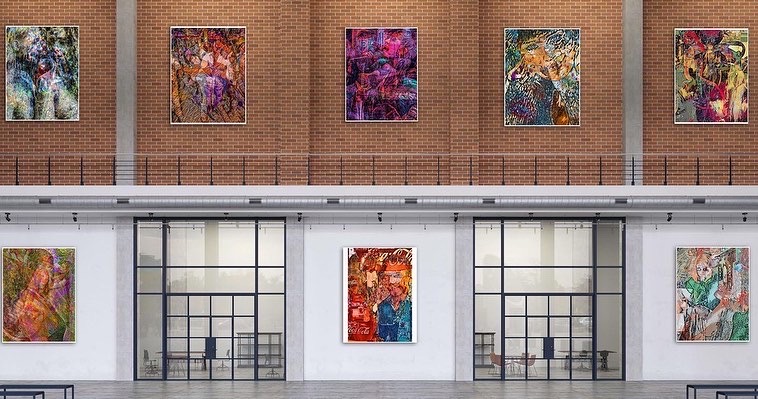
2. Collage: A Tapestry of Images:
Collage involves combining various images, textures, and materials to create a multi-layered artwork. This technique allows you to explore themes of fragmentation, memory, and the passage of time.
- Digital Collage: Use Photoshop to combine digital images, textures, and graphics. Experiment with different scaling, rotation, and placement to create dynamic compositions.
- Physical Collage: Incorporate physical elements like photographs, fabric, or found objects into your artwork. Scan or photograph the collage to create a digital version for further manipulation.
3. Composite Images: Building New Realities:
Composite images involve seamlessly blending multiple photographs to create a realistic or surreal scene. This technique allows you to construct new narratives, manipulate perspectives, and challenge the viewer’s perception of reality.
- Precise Selection: Use selection tools in Photoshop. Examples include the Pen Tool or the Quick Selection Tool. These tools help you accurately isolate elements from different images.
- Seamless Blending: Carefully blend the edges of your selected elements to create a seamless transition between images.
- Lighting and Shadow: Adjust the lighting and shadows to ensure consistency and realism within the composite image.
4. Abstracting Reality: Distorting and Transforming Images:
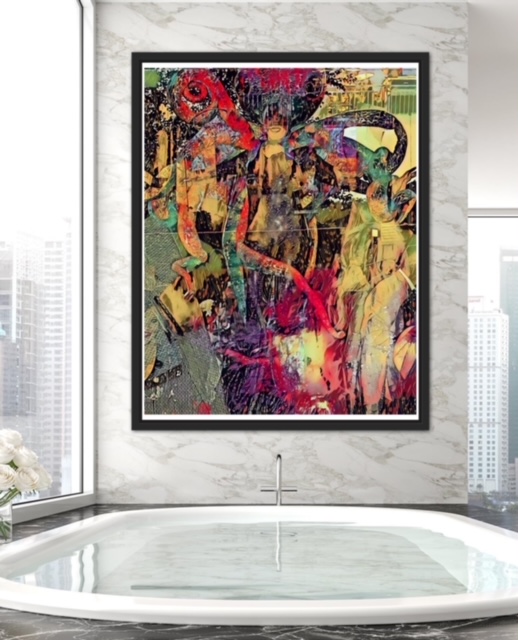
Push the boundaries of abstraction by distorting and transforming your images. Dowling’s use of the Liquify tool in Photoshop exemplifies this approach, allowing for fluid and dynamic manipulations.
- Liquify Tool: Experiment with the various brushes and modes within the Liquify tool. Use these to push, pull, and warp your images. This will help in creating surreal and abstract forms.
- Distortion Filters: Explore Photoshop’s distortion filters, such as “Wave,” “Pinch,” or “Twirl,” to create unique and unexpected effects.
- Perspective Warp: Use the Perspective Warp tool to manipulate the perspective of your image, creating illusions of depth and dimension.
5. Adding Texture and Depth:
Enhance your abstract compositions by incorporating textures and creating a sense of depth.
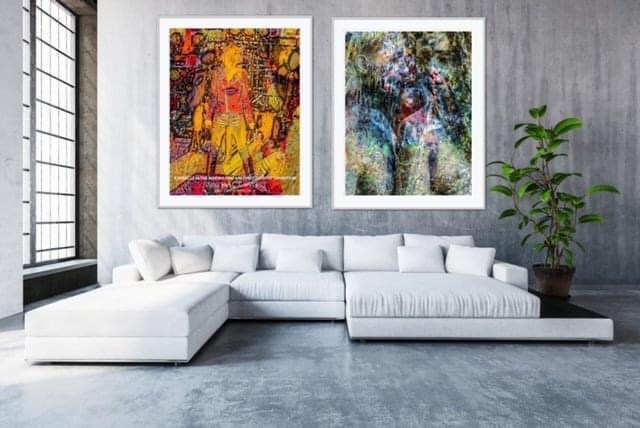
- Texture Overlays: Apply texture overlays to your images to add visual interest and tactile qualities.
- Depth of Field: Use blurring techniques to create a sense of depth of field. This draws the viewer’s eye to specific areas of the composition.
- Lighting Effects: Experiment with lighting effects, such as shadows, highlights, and glows, to add dimension and drama.
6. Blending Traditional and Digital:
Combine traditional painting or drawing techniques with digital manipulation to create truly unique and multi-layered artworks.
- Scan and Enhance: First, scan your traditional artwork. Then, use Photoshop to enhance colors. You can also add textures or combine it with digital elements.
- Print and Paint: Print your digital creations onto canvas or paper. Then, add further layers of paint or other mediums. This will create a hybrid artwork.
Master these image manipulation techniques and incorporate them into your artistic process. You can create captivating abstract art that pushes boundaries. It tells stories and evokes emotions. Remember, the key is to experiment, explore, and find the techniques that best resonate with your unique artistic vision.